
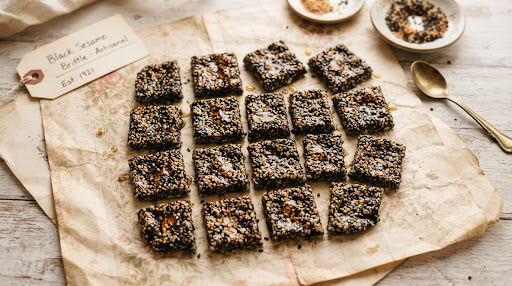
Black sesame brittle cut into little squares for sharing

Small scoops.
Big joy.

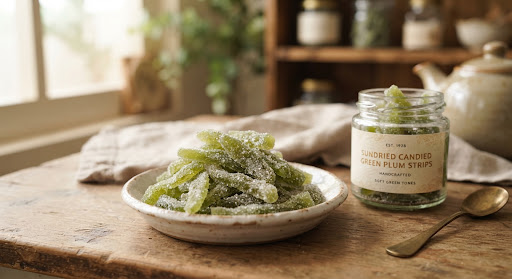
Green plum strips with a light sugar coating
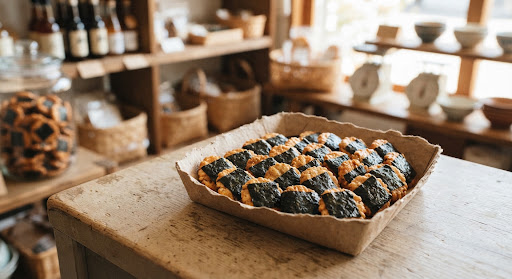
Crispy seaweed rice crackers
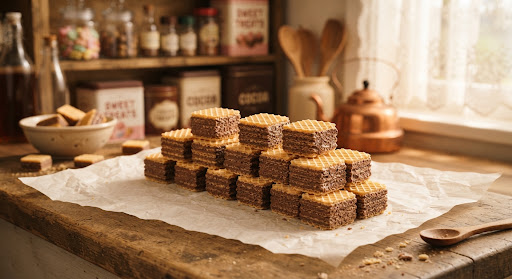
Layers of malt cocoa wafers
Pick Your Mix candy jar

A little care,
in every scoop.

Little treats. Just right.

An everyday snack shop.
Try a little. Find your favourite again.

Pick YourMix.

Try a little.
Love it again.

Choosing a snack is only the beginning. We connect small purchases, personal taste records and reliable store information, so a favourite can be found again.

Everyday, your way.

A few flavours for yourself. A portion that suits the moment. A clear idea of what you are spending.

Familiar essentials
Affordable everyday snacks form the core of the assortment.
A little discovery
Regional and imported specialities add variety, with their own clearly marked prices.
Your own pace
Self-selection, help when needed, and an optional tasting record to keep.

Illustration of the fictional shopper Lin Yue holding two snack packs

Meet Lin Yue.

26 · Brand content executive

She buys for herself, likes to try several flavours, and wants to recognise a favourite on her next visit.

RMB 20–30

A visit in our design scenario

A synthetic persona, not an interview participant.

Small portions help manage a visit’s spend. Unit prices still need supplier quotes and like-for-like comparison; the final amount is confirmed at checkout.
From shelf
to shopper.

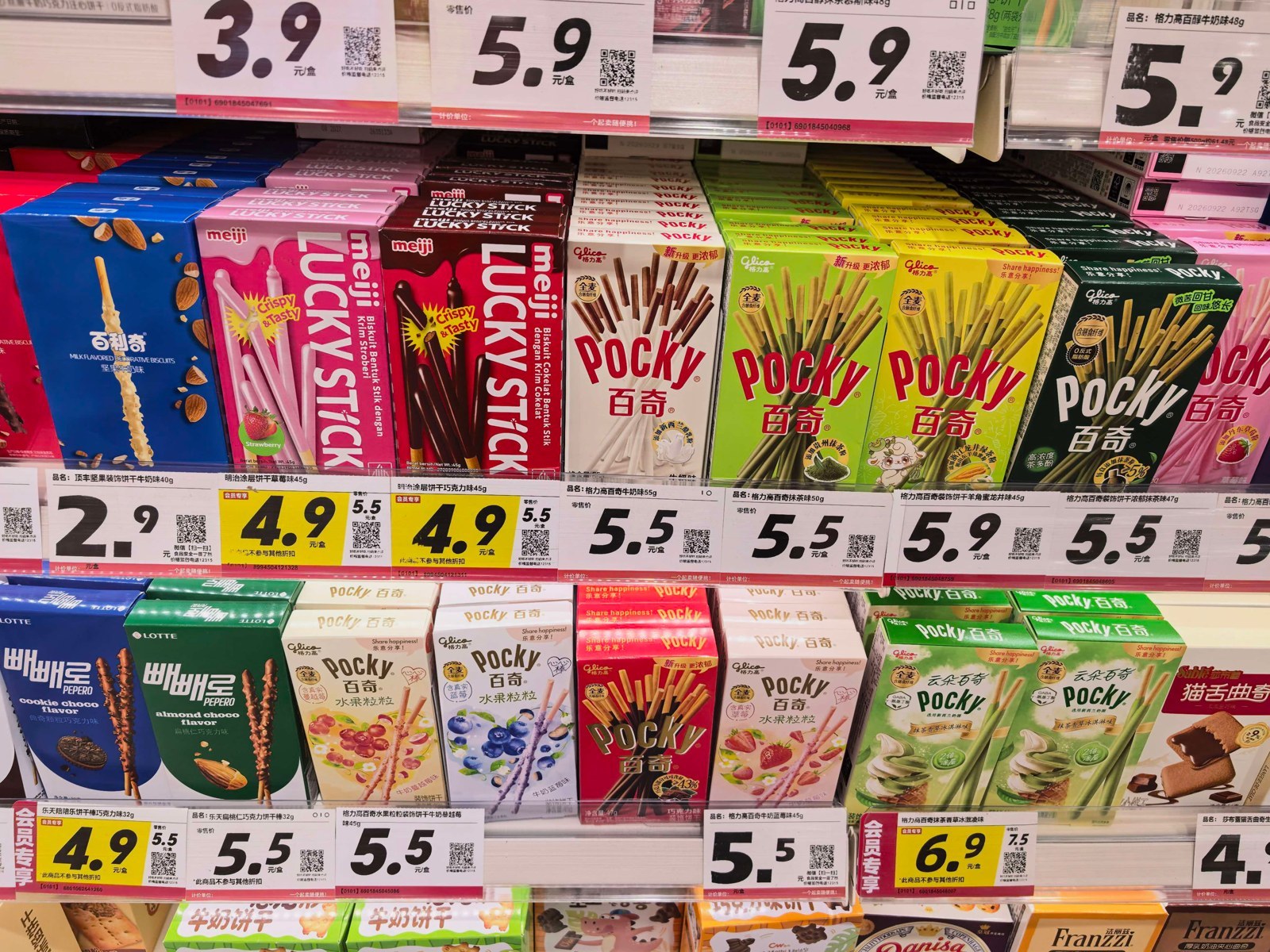
We began with a short observation of one Zhao Yiming store: what people see, how they choose, and where store work meets the shopping journey.

Boxed snacks on a shelf with prominent price tickets at the observed Zhao Yiming store
Large price tickets make prices prominent at the shelf.

Our question: how can choosing, tasting and finding a snack again stay connected?

These are competitor-store research photographs. Remembering a favourite is a design hypothesis to test. This single visit does not establish average queues or general shopper behaviour.

Come on in.

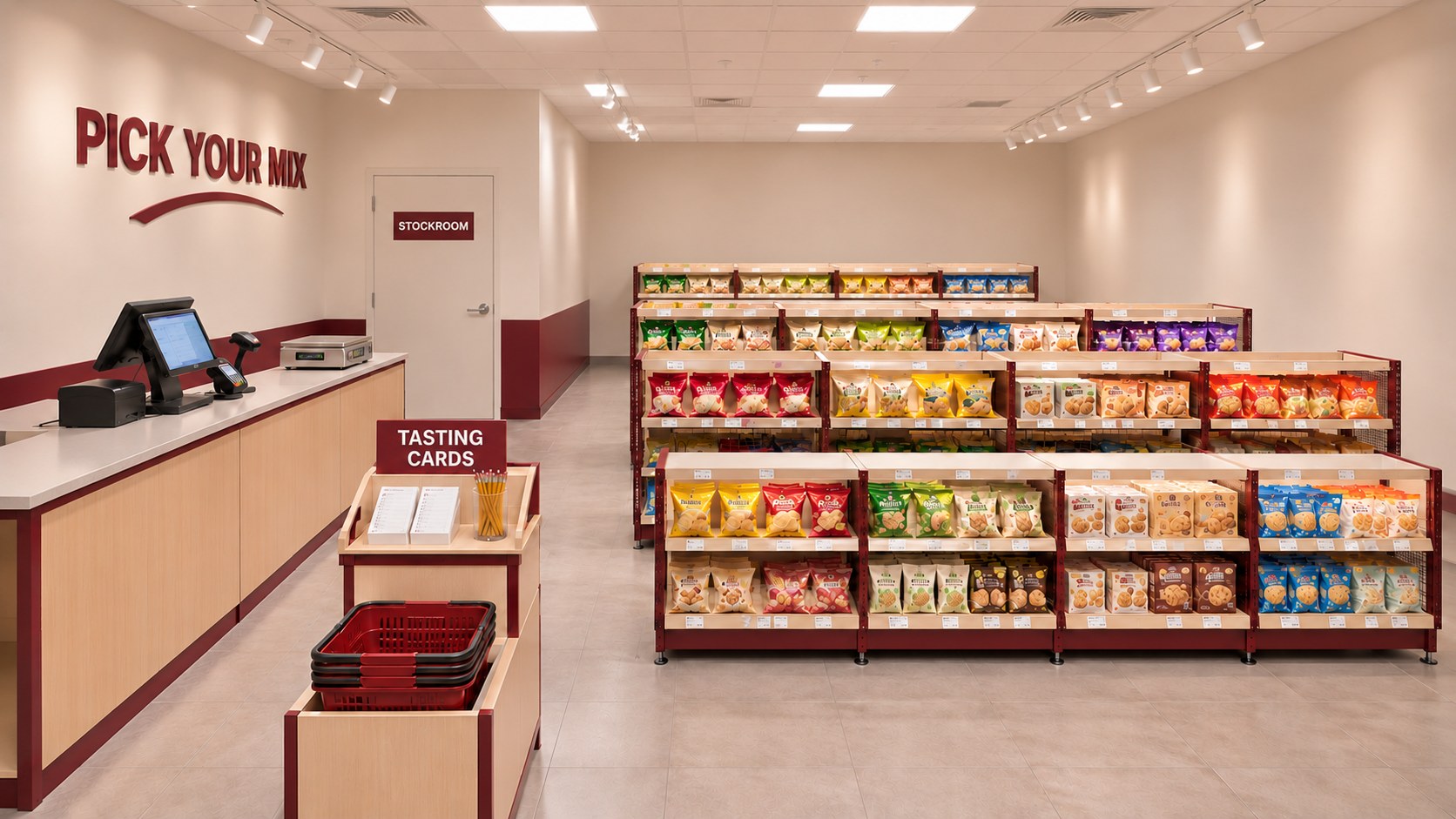
Four rows of snacks. A counter for a little help. Room for a tasting card near the entrance. Our physical model gives the service a place to happen.

AI-generated Pick Your Mix interior concept with cream shelving, a berry-red counter and four snack aisles
An AI-generated interior concept based on our physical model. Dimensions, materials and fit-out are proposals.

Room to choose.

The counter and stockroom sit to the left. Shelves sit to the right. Explore the suggested paths through the model.

Pick Your Mix model floor plan Stockroom at the back left, checkout counter at the left, cards and baskets near the front, and four rows of shelves on the right. B2 is highlighted. Stockroom Checkout Cards Baskets A1A2A3A4B1B2B3B4C1C2C3C4D1D2D3D4 Front entry / exit
Browse freely across four shelf rows. Arrows suggest a journey, not a one-way rule.

Schematic, not to scale. The front opening and fixture functions are design assumptions. Keep waiting clear of the entrance and card station; shared shopper–staff junctions still need care.

One code.
Find it again.

A flavour can be memorable. A product name may not be. The same item code connects the shelf, a tasting card and a saved favourite, even when its shelf changes.

Pick Your MixSB01
Black sesame brittle squares

Black Sesame Brittle

Sweet · Roasted sesame · Crisp

¥15 / 100 gShelf B2

A little portion: 40 g ≈ ¥6

At the shelf: taste, unit price, a portion estimate and a clear item identity.

My little favourites.

A taste worth remembering

Snack
Black Sesame Brittle
Item code
SB01
My first portion
40 g · about ¥6
Buy again

Next time: a little more to share.

Keep the code. Keep the memory.

After tasting: note a preference and the amount to try next time. This is an example personal record.

Keep the paper card, or enter the item code to save a digital favourite. Recording a preference is optional.

Illustrative price and portion. Actual weight and price are confirmed at checkout. Original pack information stays available; supply follows sealed pack sizes.

Care behind
every treat.

A saved favourite is useful when the information behind it stays current. Store staff own the updates, the paper tags and the checks before an offer goes live.

Explore the staff workspace

Finish the label update.

  1. Edit the price, shelf or availability.
  2. Create a paper-label replacement task.
  3. Replace and check the physical label.
  4. Confirm completion in the workspace.

A digital edit starts the work. The physical check completes it.

Verify every offer.

Check activity dates, member eligibility, participating store and rule version. Publish only after the store confirms the actual till price.

If a discount does not match, preserve the original exception. Review it, pause or recheck the offer, and record an explanation before resolving it.

Open offer verification

Behind each moment.

Follow the service blueprint, from the first choice to the next visit.

What would I like to try?

The shopper
Compare taste and portion.
What they see
Ticket, sealed pack and item code.
At the counter
Explain on request. Take the item details.
Behind the scenes
Verify the item and maintain labels.
What supports it
Product master, shelf information and rules.
If something differs
Check unclear information before proceeding.

The people behind it.

Shelf lead
Checks products and tickets, updates details, and replaces labels. Reports changes to digital operations.
Cashier
Weighs or scans, confirms the total and pauses on a mismatch. Asks the shift lead to verify.
Digital operations
Maintains item pages and dated, versioned offer rules. Receives store checks and changes.
Store lead
Confirms eligibility and prices, approves corrections, and communicates results to staff and operations.

Proposed responsibilities; one person may hold several roles.

Made for daily visits.

Snack sales support the service. An initial tasting card is included with a purchase; the concept depends on everyday retail operations.

Customers
Personal snack buyers who explore tastes and manage each visit’s spend.
Value
Try small amounts, judge portion and price, and identify favourites again.
Relationships
Self-selection, help on request and a personal tasting record.
Channels
The store and checkout, a paper record and the customer prototype.
Partners
Suppliers, the store operator, and POS and digital support.
Activities
Select and replenish products; maintain labels, information and rules.
Resources
Products and staff, item codes and shelves, scales, POS and cards.
Costs
Goods, logistics, rent, labour, waste, printing and digital maintenance.
Revenue
Snack sales. Costs and profit still require validation.

Make it
your mix.

A little joy for shoppers. A little care from the store. Try both sides of the service.

Start with familiar favourites and pick a little treat for today.

Both roles share the same demo data in this browser. Switch roles to see your changes.

Interactive App

Home & Stores390 × 844 · 100% · Scroll inside the app

An interactive service prototype. Prices and portions are examples, and checkout needs store confirmation. There is no connection to a real till.

The whole
sweet story.

Explore all 21 slides of our final presentation, from the first observation to the complete service proposal.

Download presentation PDF · 21 slides
1 / 21

Try a little. Find your favourite again. A service proposal connecting a physical snack store, shoppers and staff.

Browse all 21 slides

The supplied presentation includes a video placeholder on slide 18.

Final service design proposal

Slide 1: Final service design proposal
1 / 21